
Navigating mobile internet plans in Sri Lanka often feels like trying to hit a moving target. With telecom operators frequently updating their bundles, finding a balanced plan that offers enough data without draining your wallet can take some real searching. Among the various data options available to prepaid and postpaid users, mid-tier internet choices have carved out a solid reputation for offering reliable volume without extreme monthly commitments.
One such option that frequently pops up on user radars is the Mobitel Rs. 697 data package. Known structurally as an anytime rollover plan, it provides a practical amount of data for everyday browsing, chatting, and media consumption. If you are wondering what exactly comes packed in this tier, how the rollover mechanism works, and what steps you need to take to get it running on your phone, this complete walkthrough breaks it down step by step.
What is the Mobitel Rs. 697 Package
Before rushing to activate any data plan, understanding its core specifications helps you evaluate whether it matches your digital lifestyle. The Rs. 697 plan is primarily designed as a standard anytime data option featuring a 30-day validity period.
Here is the essential breakdown of what you get:
- Plan Price: Rs. 697 (inclusive of applicable taxes depending on current telecom regulations).
- Data Volume: 10 GB of anytime data.
- Validity Period: 30 days from the exact time of activation.
- Data Rollover Feature: Yes, unused data carries forward.
The inclusion of the data rollover feature is arguably the most valuable part of this tier. Normally, if you fail to exhaust your data quota before the month ends, the leftover gigabytes simply vanish. However, with Mobitel’s rollover plans, if you activate the exact same Rs. 697 package before your current plan’s validity expires, any remaining data rolls over and accumulates into your new quota. This ensures you never lose data you’ve already paid for, provided you stay on top of your renewal timelines.
Method 1: Activating via USSD Codes
For users who prefer a quick, code-based approach without needing an active internet connection or installed applications, the USSD method is usually the most efficient route. USSD shortcuts work directly through your phone’s native dialer.
- Open the phone dialer app on your Mobitel mobile connection.
- Dial the primary self-care and activation shortcode: #170# and press the call button.
- Navigate through the interactive menu options on your screen. Look for the categories related to internet plans, data rollover packages, or monthly data bundles.
- Locate the Rs. 697 option from the listed denominations.
- Confirm your selection to activate the package using your main account balance.
Make sure you have sufficient main account balance loaded onto your phone before executing the USSD steps, as activation requires the full package value to be available.
Method 2: Activating via the SLT-Mobitel SelfCare App / DataMart
If you prefer a visual interface where you can double-check package details, view precise validity hours, and manage multiple connections, using the official digital apps is the way to go. SLT-Mobitel provides dedicated applications like the SelfCare app and the DataMart portal for this exact purpose.
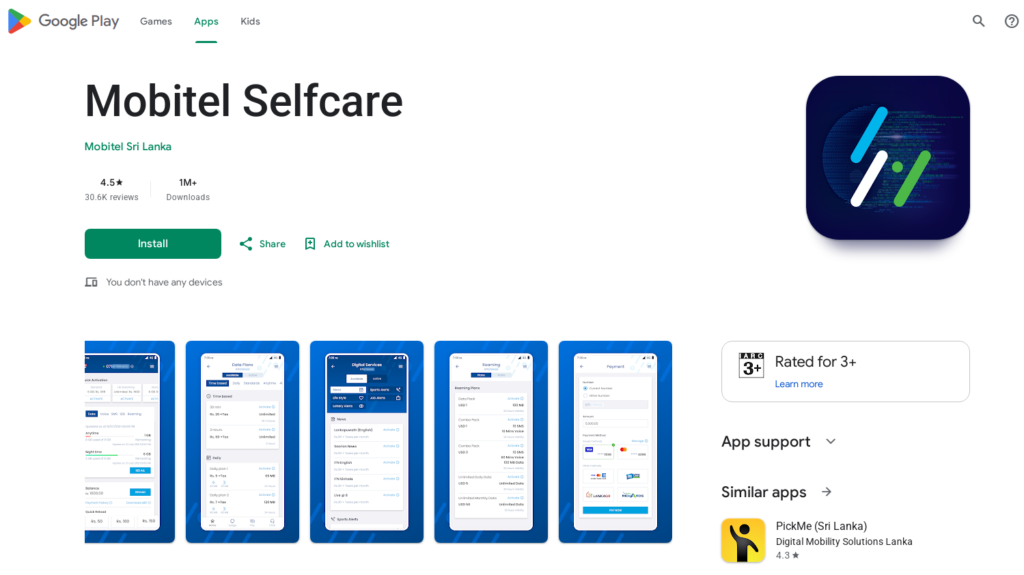
- Open the SLT-Mobitel Mobile Self-Care App or the DataMart app on your smartphone. (If you do not have them installed, you can download them via the Google Play Store or Apple App Store).
- Log in using your Mobitel mobile number via the OTP verification prompt.
- Head over to the Data or Packages section within the dashboard.
- Search or scroll through the available monthly plans to find the Rs. 697 Anytime Rollover Plan.
- Tap on the plan to view its specifics, and select your preferred payment method—either your current mobile account balance or a direct payment using a credit or debit card.
- Confirm the transaction, and you will receive an instant confirmation SMS once the data bundle is successfully credited to your line.
Direct Reload Activation
Another convenient option supported by the network for standard data tiers is direct electronic reloads. You can sometimes request your local reload shop vendor to load the specific denomination, or use digital banking apps that support direct data plan reloads for Mobitel prepaid numbers. Always confirm with the dealer or check the app menu to ensure a direct reload triggers the exact data package rather than just adding money to your general credit balance.
Tips to Maximize Your 10 GB Data Quota
A 10 GB quota over 30 days requires some mindful management if you use data heavily throughout the day. Here are a few simple habits to make your bundle last:
- Monitor Background App Refresh: Social media apps and cloud backup services love to sync photos and videos in the background over mobile data. Turn off background data sync for heavy apps when you aren’t actively using them.
- Adjust Streaming Resolutions: If you watch YouTube or scroll through video-heavy platforms, lower the default video resolution from 1080p to 480p or 360p. This drastically reduces data consumption without ruining your viewing experience on a mobile screen.
- Keep Track of Expiry: Set a reminder a day before your 30 days are up. Renewing on time guarantees that your unused data rolls over smoothly into the next cycle.
By understanding how to activate and manage the Mobitel Rs. 697 plan through USSD or digital self-care channels, you can take full control of your mobile internet usage and keep your connectivity steady all month long.
Find more related Mobitel articles: Click here
Frequently Asked Questions
The Mobitel Rs. 697 package offers 10 GB of anytime data with a 30-day validity period and a data rollover feature.
If you activate the exact same Rs. 697 package before your current plan expires, any remaining unused data rolls over and accumulates into your new quota.
You can activate the plan by dialing #170# on your Mobitel mobile connection and navigating through the interactive self-care menu options.
Yes, you can easily activate it by logging into the SLT-Mobitel Mobile Self-Care app or the DataMart app and selecting the package from the data menu.